Using AI safely at workUse AI at work, safely
Use AI tools for real work without leaking data, trusting made-up facts or falling for fake voices, and know what your company and the EU AI Act expect.
Send your name and email, and we set up your place. Nothing to pay.
General guidance, not legal advice
Intro film · about 1 minLesson 1 of 5
[01] The story
Meet Nadia.
 Nadia's story
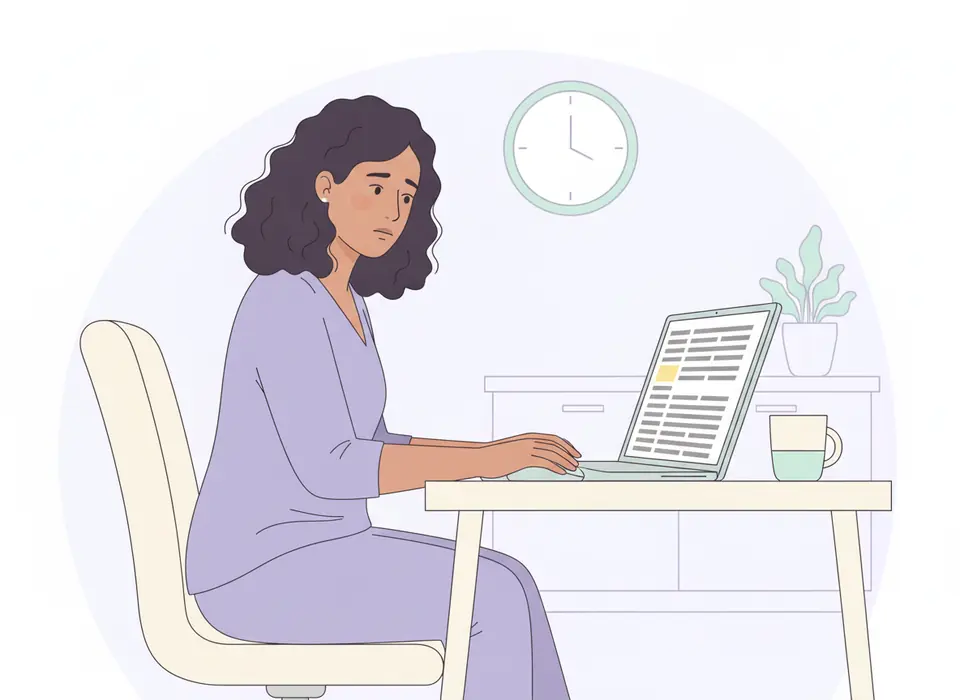
Team lead in customer service at a furniture company with 120 people. Monday, 8:40. A delivery delay has left 60 customer emails unanswered, and the company has just switched on an approved AI assistant. By 9:30 it has drafted every reply. They read beautifully. One promises:
The message“You can return any item within 60 days for a full refund.”
Nadia's cursor is on Send all.
What would you do? The course follows Nadia through 5 everyday moments like this one.
[02] Try it now
Find the red flags yourself.
A real exercise from lesson 2, exactly as it appears in the course.
No sign-up needed. Tap, check, and see why.
spot the red flags
Nadia's almost-pasted request
Tap every part that must not go in. Some parts are perfectly fine.
dotted lines can be tapped. Not all of them are red flags.
To
Please write a kind reply to this customer.
She is , phone .
She told us she has and needs the sofa for it.
[03] What you'll be able to do
What employees learn about using AI safely
01Lesson 1
Know what AI tools are good at, what they get wrong, and why.
02Lesson 2
Decide in seconds what can and can't go into an AI tool.
03Lesson 3
Run a quick check routine on AI output before anything leaves your hands.
04Lesson 4
Use AI fairly and honestly, and don't fall for a fake voice or video.
05Lesson 5
Know your company's AI rules, the EU AI Act basics, and who to ask.
FinalQuiz
Prove it: 8 of 10 right and the course is complete.
[04] Lesson by lesson
What the AI safety course covers
Short lessons you do, not watch: a scene from the story, then exercises that check you got it.
Lesson 1: What AI Tools Can and Can't Do
AI chat tools can write a decent email in seconds.
You'll be able to: know what AI tools are good at, what they get wrong, and why.
- Put the steps in order
- Match the pairs
- Sort real examples
- 3 quick questions
Lesson 2: What Never Goes Into an AI Tool
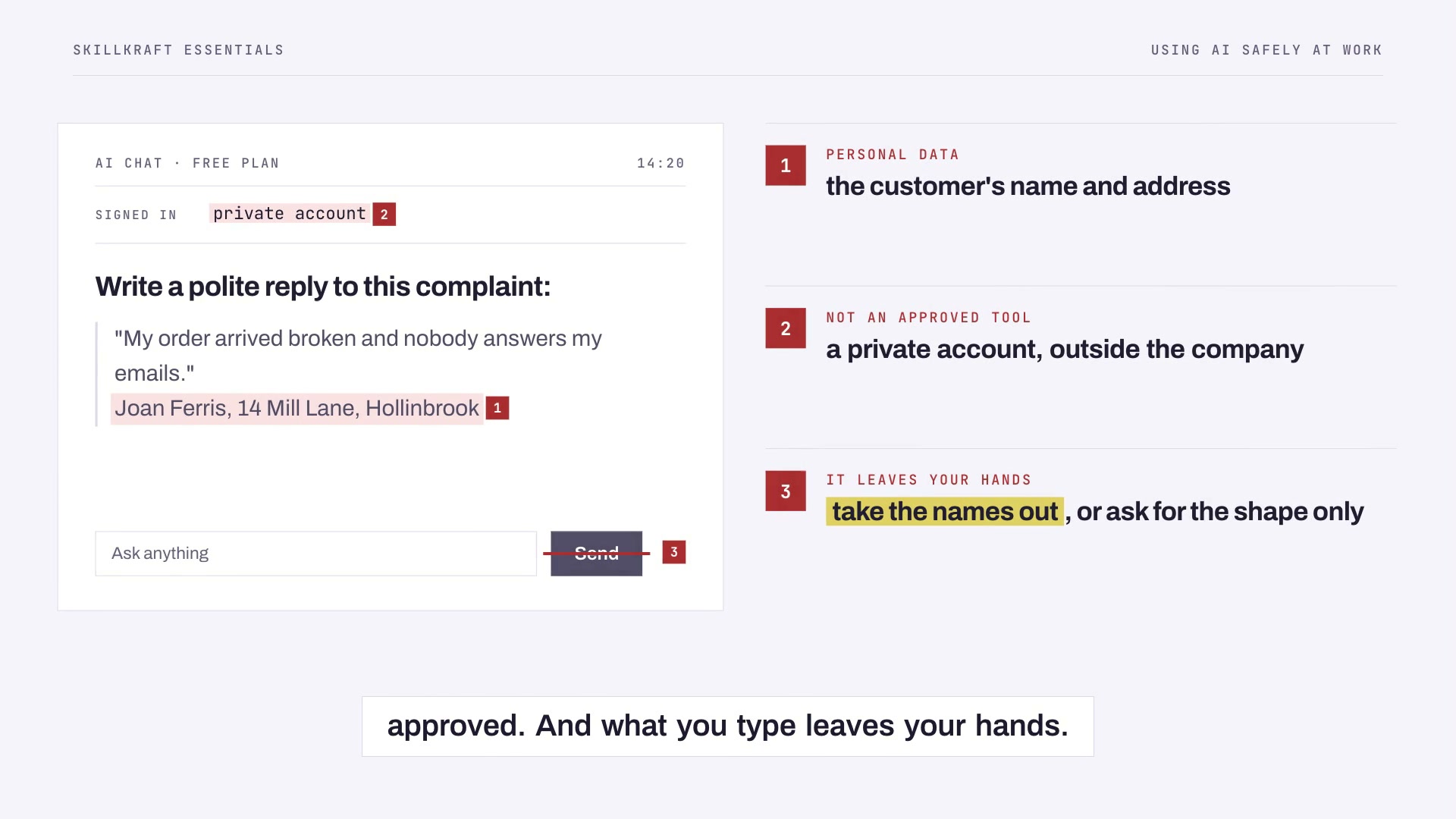
Anything you type into an AI tool leaves your computer.
You'll be able to: decide in seconds what can and can't go into an AI tool.
- Spot the red flags
- Put the steps in order
- Match the pairs
- 3 quick questions
Lesson 3: Checking What AI Gives You
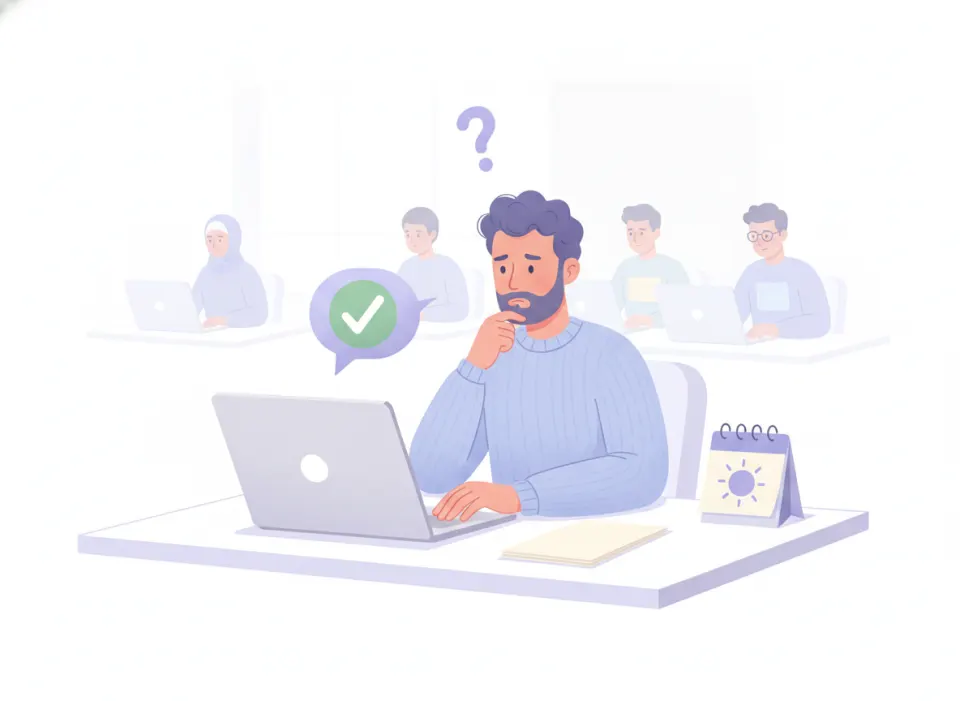
AI can save you an hour.
You'll be able to: run a quick check routine on AI output before anything leaves your hands.
- Spot the red flags
- Put the steps in order
- Sort real examples
- 4 quick questions
Lesson 4: Fair and Honest Use
AI can copy styles, voices and faces, and it can copy our unfair habits too.
You'll be able to: use AI fairly and honestly, and don't fall for a fake voice or video.
- Choose what happens next
- Match the pairs
- Sort real examples
- 4 quick questions
Lesson 5: Your Company's AI Rules
Every company sets its own AI rules, inside a European law that sets the outer lines.
You'll be able to: know your company's AI rules, the EU AI Act basics, and who to ask.
- Put the steps in order
- Match the pairs
- Sort real examples
- 4 quick questions
Final Quiz
10 questions from the 5 lessons. 8 right to pass, and you can try again as often as you like.
[05] For companies
Give this course to your team
- 01Assign it to everyone who needs it, in your own Skillkraft Academy.
- 02See who has started, who has finished, and every final-quiz score.
- 03Download the list as a CSV file when an auditor asks.
- 04All six Essentials are included in every academy.
Sign-in with Google today. Microsoft sign-in soon.
| Name | Status | Final quiz | Completed on |
|---|---|---|---|
| Jonas Wagner | Completed | 9 / 10 | 07.10. |
| Ana Novak | Completed | 10 / 10 | 07.10. |
| Marco Rossi | In progress | — | — |
| Sophie Hoffmann | Completed | 8 / 10 | 08.10. |
| Karin Lindqvist | Not started | — | — |
[06] Questions
Good to know
Is it really free?
Yes. The course costs nothing to take. Send your name and email, we set up your place, and you start with lesson 1.
How long does it take?
About 35 minutes: 5 short lessons and a final quiz. Do it in one sitting or a lesson at a time; your progress is kept.
What happens at the end?
A final quiz of 10 questions. Get 8 right and the course is complete, in your name. You can try again as often as you like.
Do I need any background?
Any office employee. No tech background needed.
Does it work on my phone?
Yes. Every lesson, exercise and the quiz work on a phone, a tablet or a laptop.
Is this legal advice?
General guidance, not legal advice. Your company adds its own contacts and rules.
Can my company give it to the whole team?
Yes. In your own Skillkraft Academy you assign it, see who has finished, and download the list for audits. All six Essentials are included.
35 minutes well spent
Send your name and email, and we set up your place. Nothing to pay.
General guidance, not legal advice. Your company adds its own contacts and rules.